AI Sports Card Scanner
Point your camera at a card and AI Assist fills in the details in seconds. It excels on graded cards and handles most of the work on raw ones. Prefer to type? Switch it off.
See the Sports Card Scanner in Action
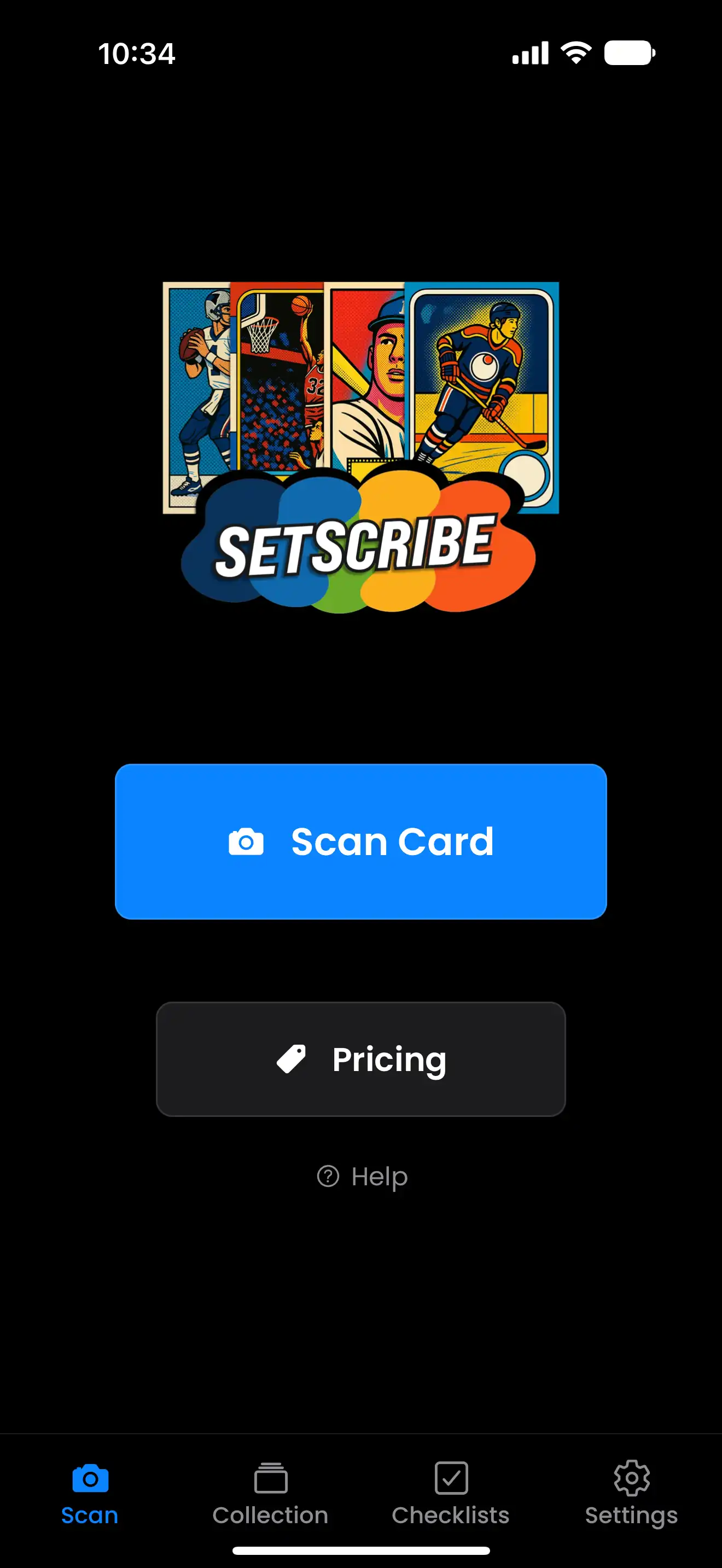
1. Scan or Upload
Take a photo or upload an image of your sports card
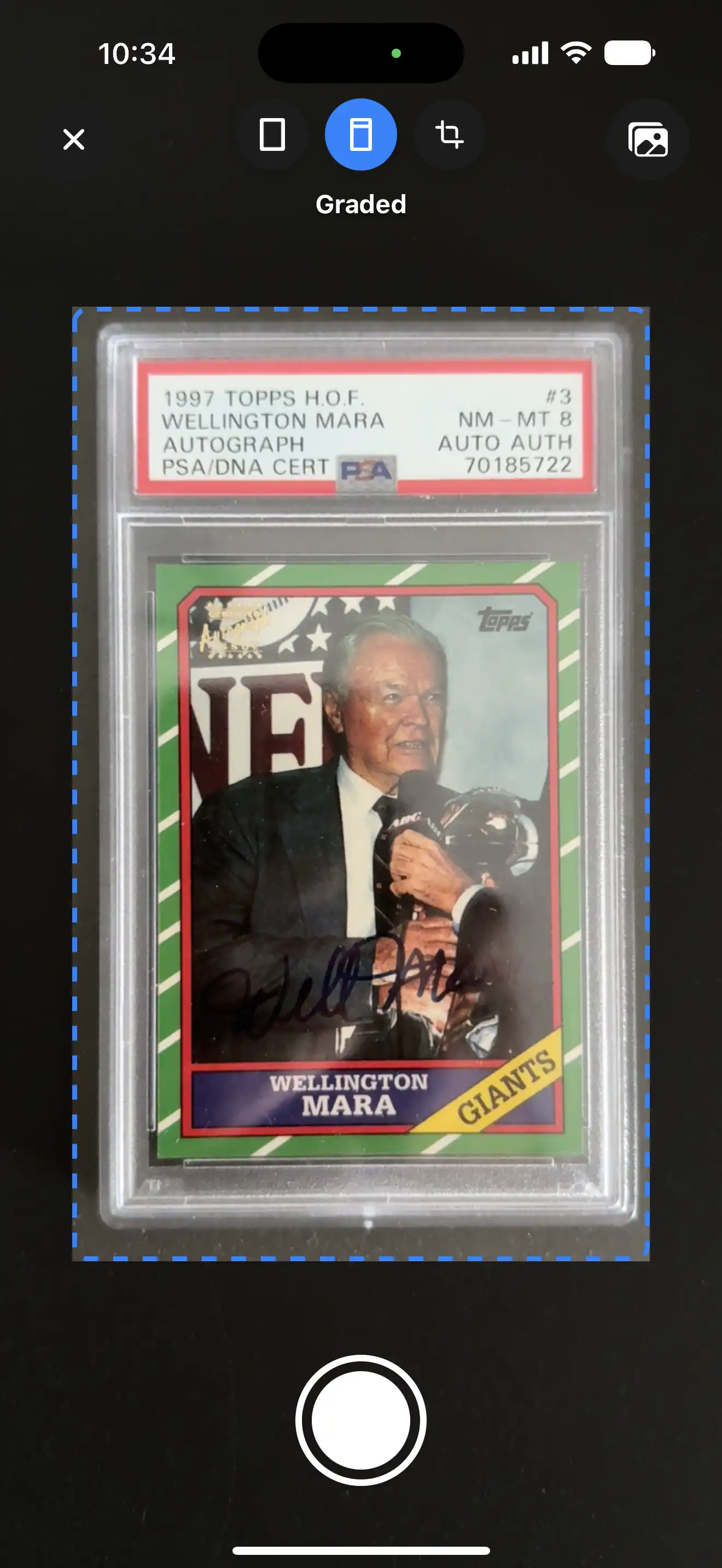
2. Auto Crop
Automatically crop the card, or adjust manually
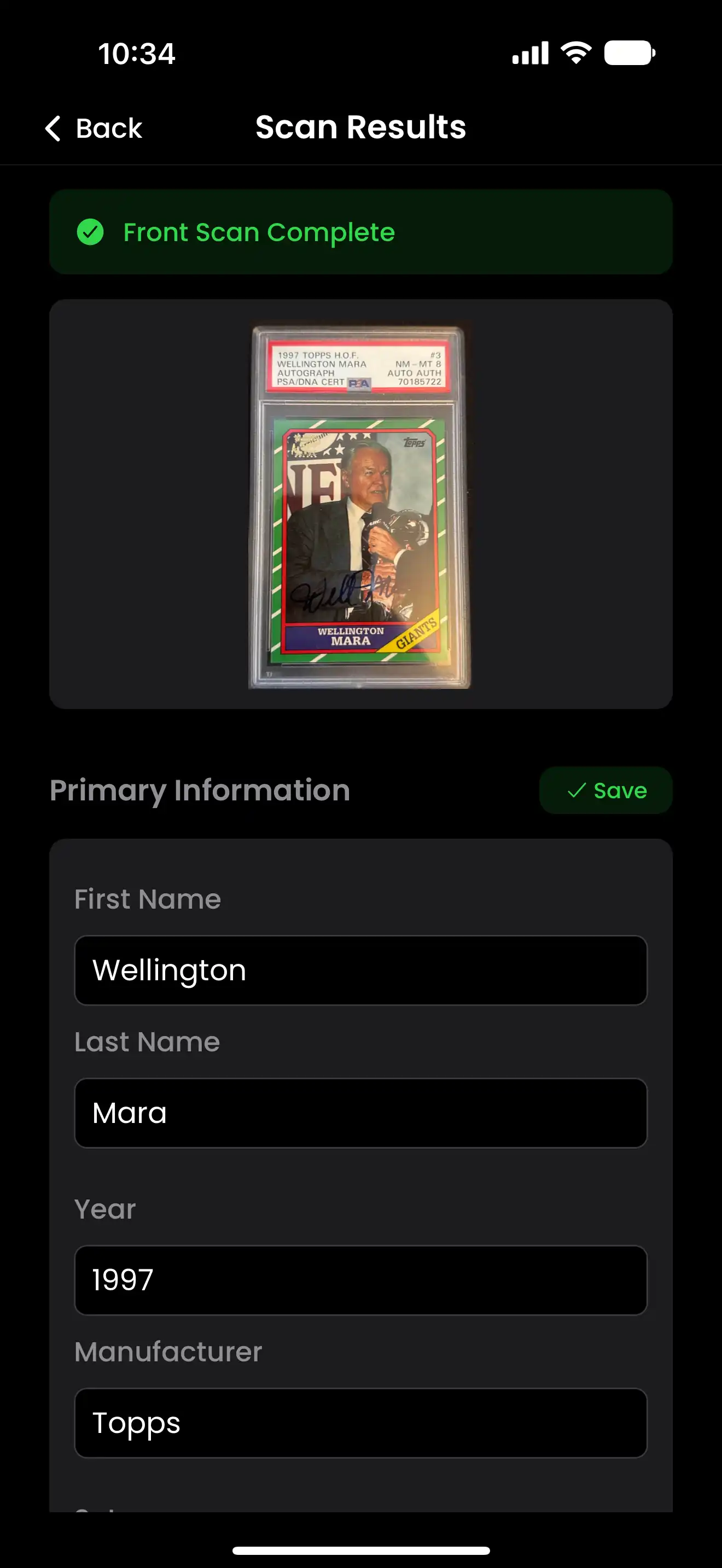
3. Get Details
Card details filled in, ready for a quick look and save
How the AI Card Scanner Works
Scan Front and Back
Snap both sides of the card. The back matters - that's where serial numbers, stats, and the fine print live.
Details Filled In
Player, year, manufacturer, set, card number, and more are filled in and formatted for you. Check out the results, make updates or additions if needed, and you're done.
Saved to Your Collection
The card lands in your collection, ready to sort, check eBay prices, or share.
What the Scanner Fills In for You
Player Information
Name, team, and career details
Year & Set
Production year, set name, and series information
Manufacturer
Card company and brand identification
Card Numbers
Set number, parallel variations, and print runs
Card Type
Base, insert, parallel, rookie, or special edition
Grading Info
Grading company, grade, and cert number - read straight off the slab label
How Well Does AI Assist Actually Do?
Graded Cards: It Shines
Slab labels are printed, standardized text, so AI Assist reads the grading company, grade, cert number, and card details with real consistency. Working through a stack of slabs is about as close to hands-free as cataloging gets.
Raw Cards: It Handles Most of the Work
Player, year, manufacturer, and set are usually identified correctly, which saves you most of the data entry. Tough parallels, short prints, and well-loved vintage are worth a closer look, and every field stays one tap away from an edit.
AI Assist is optional. Turn it off on the scan screen or in Settings and SetScribe becomes a fast manual entry app - your collection, checklists, and eBay price checks all work exactly the same. Turn it back on whenever you want.
Scanning both the front and back gives AI Assist the most to work with - the back is where serial numbers, print runs, and the fine print live.
Scan Your First Card Free
It takes seconds - and checklists, eBay price checks, and collection sharing are all waiting.