Make SetScribe Yours.
Choose light or dark mode, an app icon, your language and the tools you see. Your sports card collection, set up the way you like it.




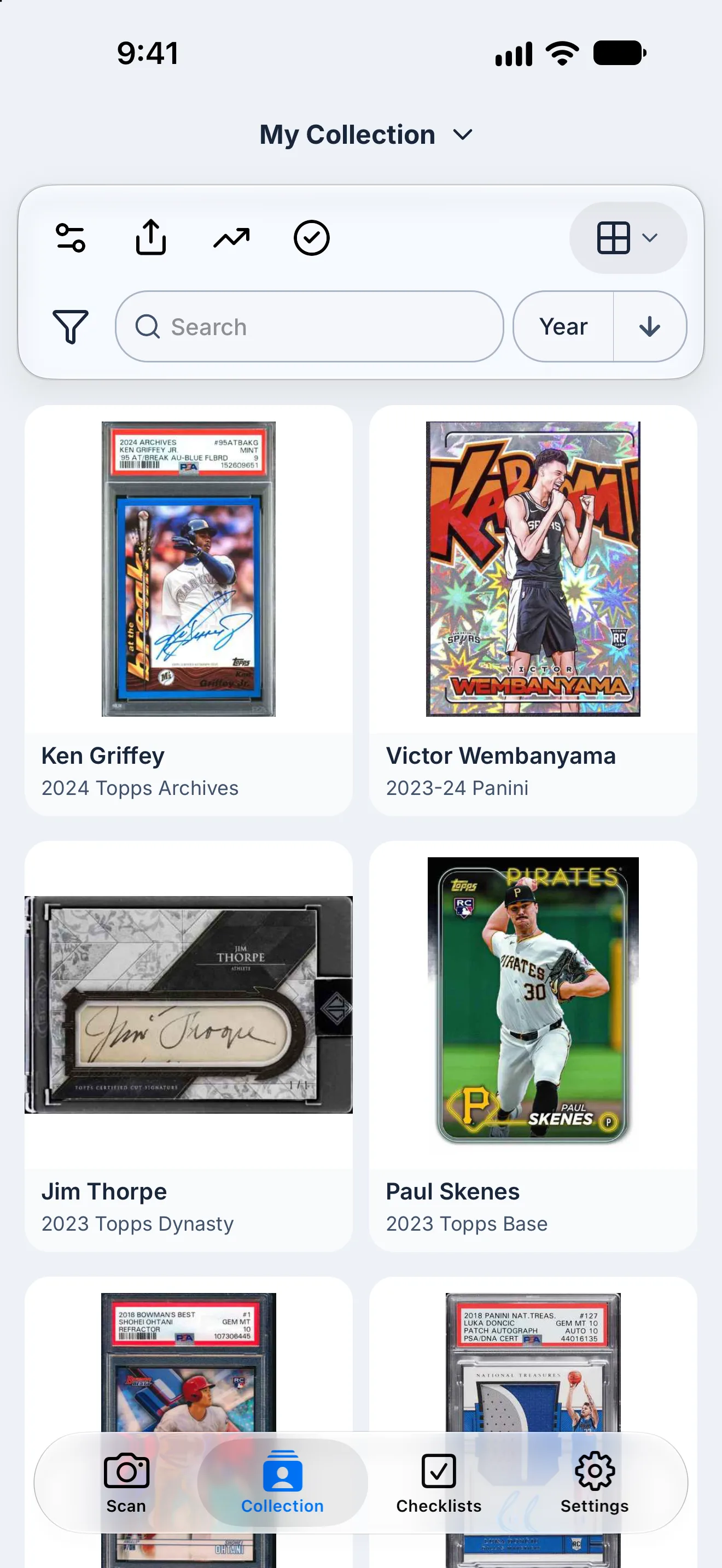
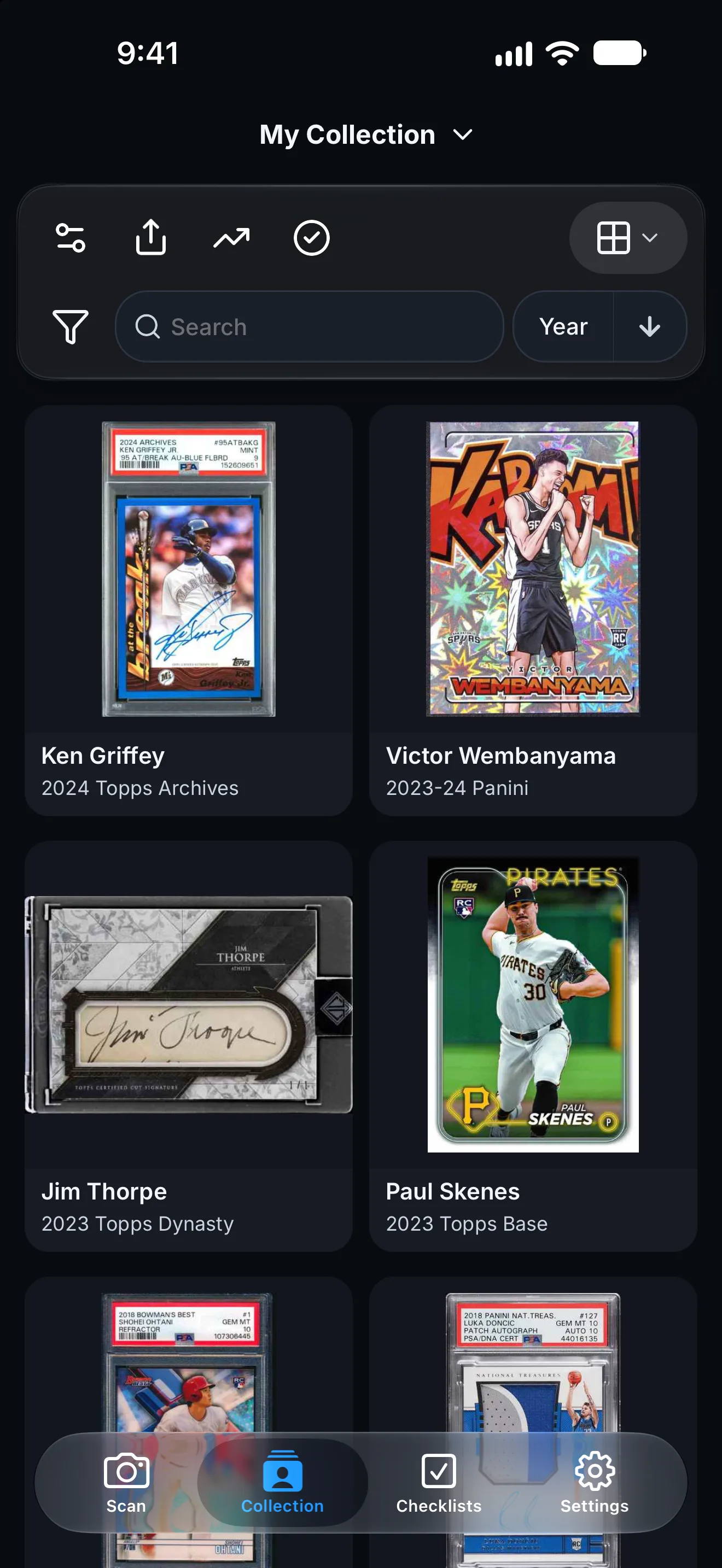
Light, dark, or match your device
Use Light or Dark mode, or pick System to follow your phone or computer. Dark mode is easy on the eyes at night and lets your card photos stand out.
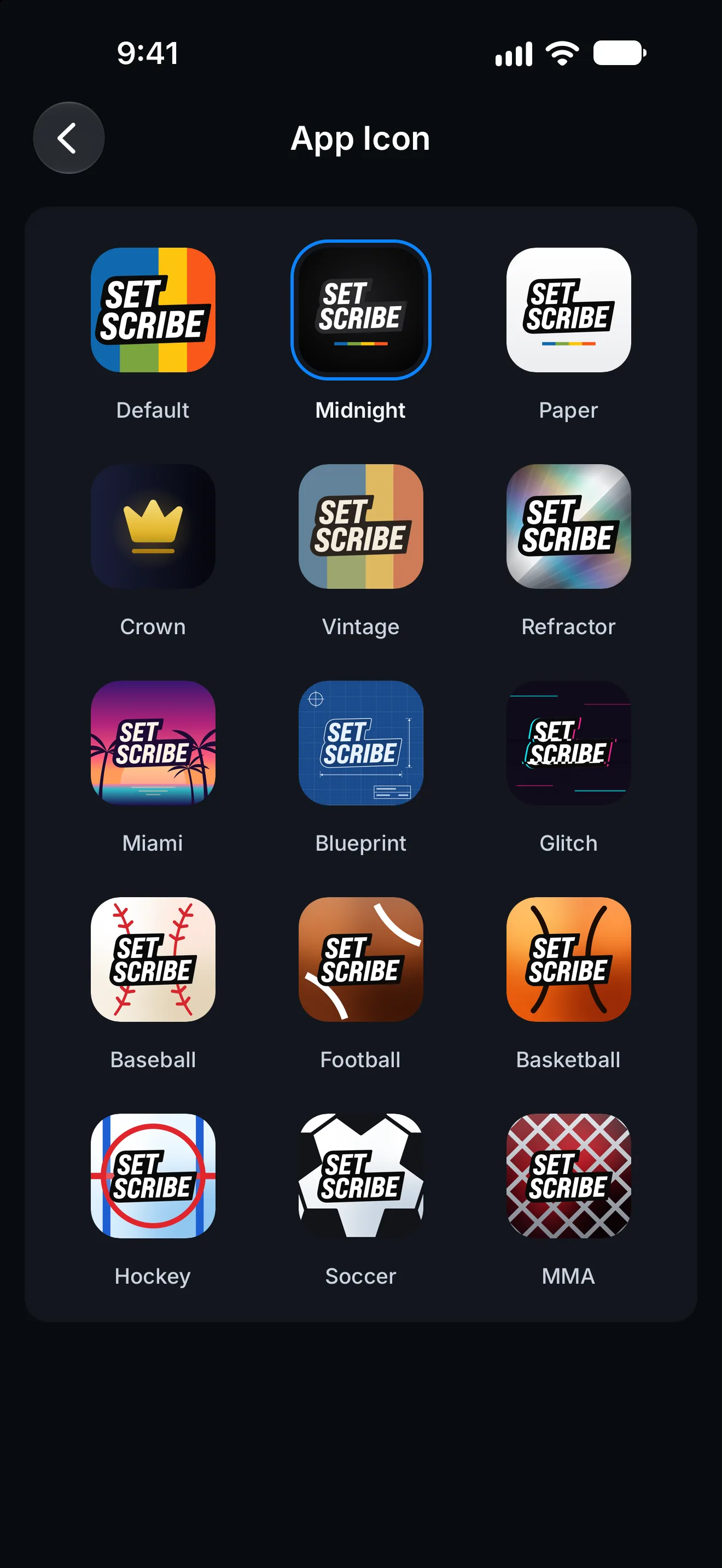
Choose your app icon
Pick an app icon that fits your style, from Midnight to Refractor to your favorite sport.
- Classic styles and sport-themed icons
- Change it any time in Settings > App Icon
- New designs added from time to time
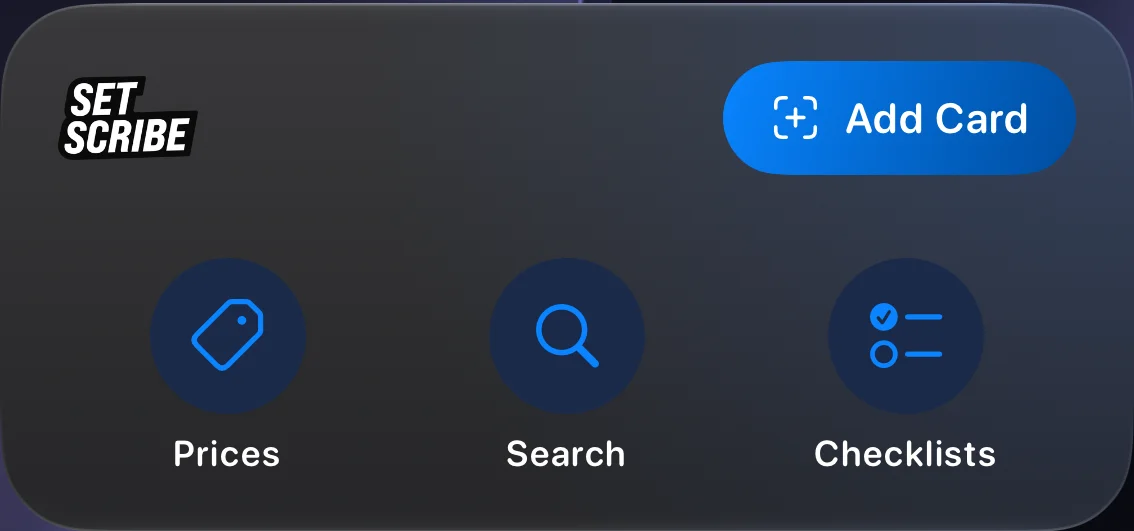
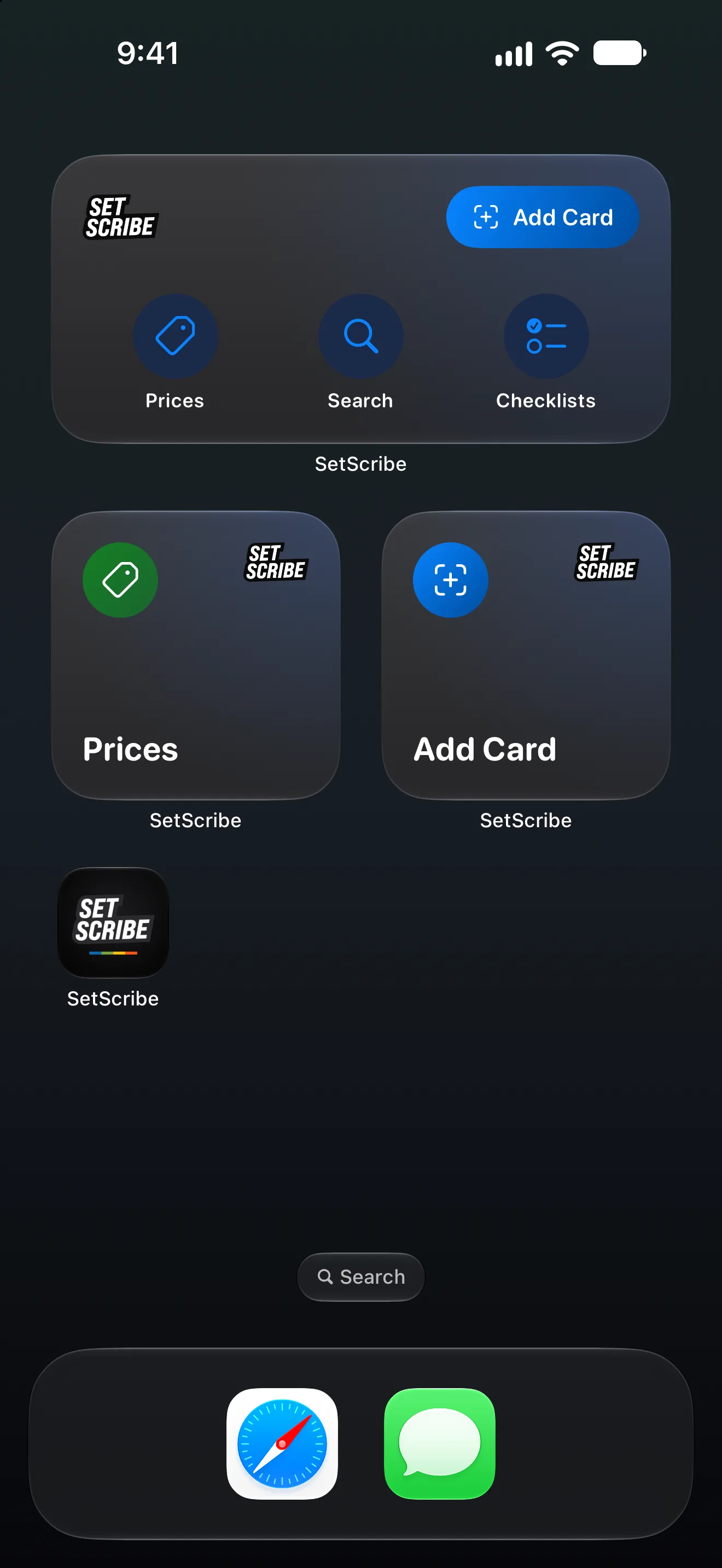
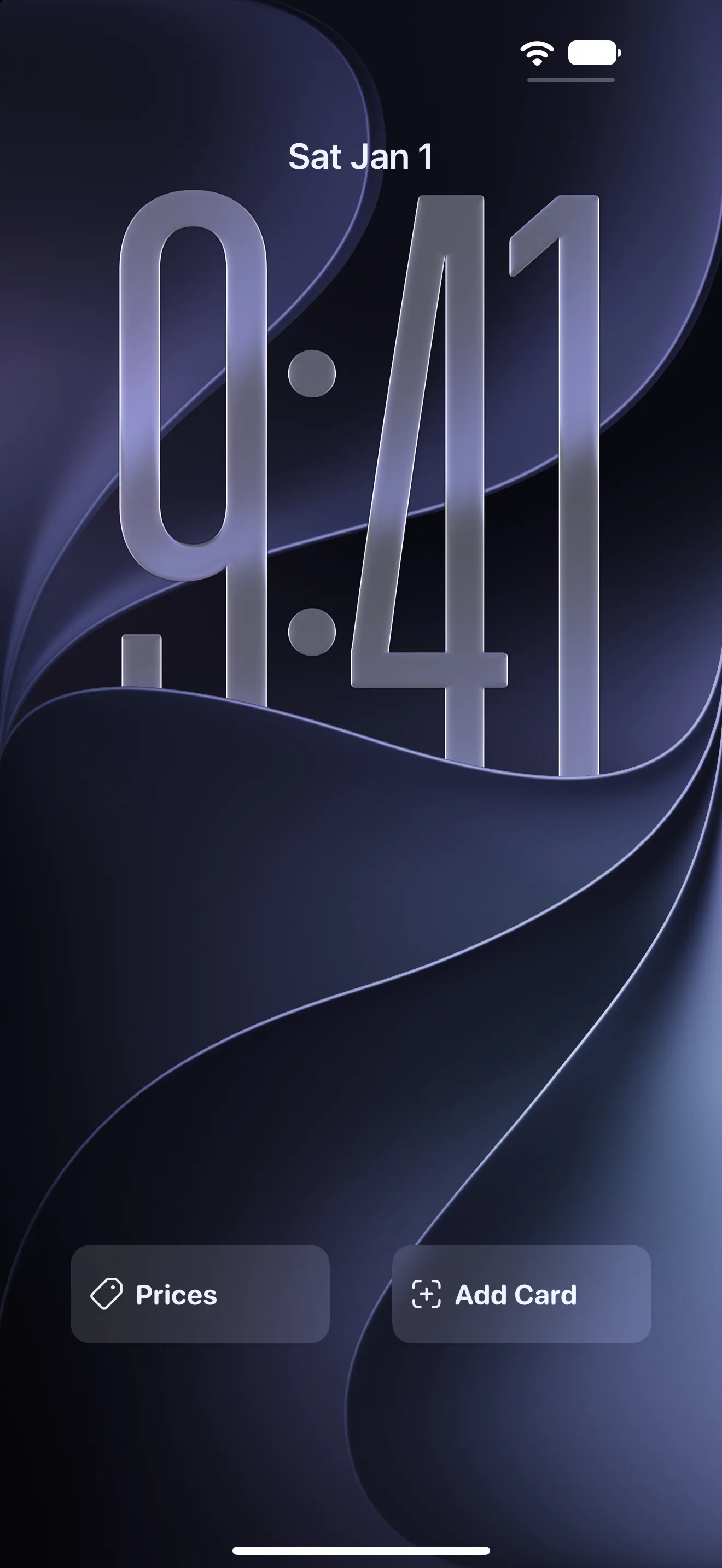
Widgets for your iPhone
Tap a widget to open Add Card, Prices, Search, or Checklists in SetScribe. Add them to your Home Screen or Lock Screen in a few taps.
- Add Card and Prices on your Home Screen
- Quick Actions, four shortcuts in one widget
- Add Card and Prices on your Lock Screen
Your language, your currency
Use SetScribe in your language, and show the values you enter in the currency you collect in. Change either one any time in Settings.
Languages
- English
- Español
- Français
- Deutsch
- Português
- 日本語
- 中文
Currencies
- USD
- EUR
- GBP
- CAD
- AUD
- JPY
- CNY
- CHF
- MXN
- BRL
- INR
Set it up how you like it
Pick how your cards look, how your checklists track, and which tools show up, so your sports card collection works the way you do.
Collection
- Default or Large Cards
- Hide Sold Cards
- Favorite Stars
- For Sale Status
- Sort by First Name
- Portfolio Button
- Infinite Scroll
Checklists
- Tiles or Rows
- Binder or Ring Progress
- Regular or Large Names
- Count or Progress Under Each Name
- Card, Auto, Mem and RC Labels
Scanning
- AI Assist On or Off
- Hide the AI Assist SwitchiOS and Android
- Card CroppingiOS and Android
- Standard or Ultra CameraiOS and Android
App
- Menu Bar LabelsiOS and Android
- Haptic FeedbackiOS and Android
Everything works on iOS, Android, and Web unless marked.
Set It Up Your Way
Start free on iOS, Android, or the web, then make SetScribe look and work the way you collect.